
Configuration > Availability
Manage Telephone availability related settings:
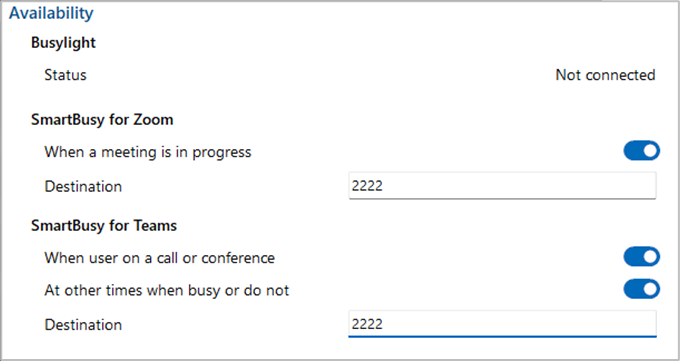
Busylight
Plug and play compatibility with Kuando Busylight.

Color indicator chart:
Go Integrator Cara |
External LED Color |
| Available (not on a call) | Green |
| Held | Fast flashing yellow (250ms) |
| Busy (on a call/online meeting) | Red |
| Ringing | Flashing red (500ms) |
| Do Not Disturb / Forward | Purple Pulsing / Flashing |
*Note:More information about Kuando Busylight.
Smart Busy for Zoom Meeting
When the Go Integrator Cara user is in a Zoom meeting the Smart Business Connect / Managed Business Connect extension "Forwarding always" setting is enabled to redirect incoming calls to the configured telephone number, e.g. a group or voicemail

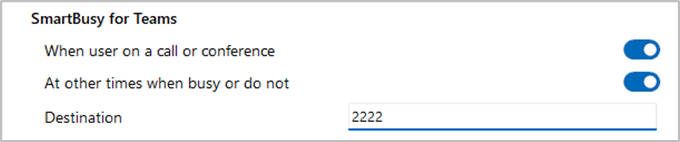
Smart Busy for Teams
When the Go Integrator Cara user is in a Microsoft Teams meeting or is Busy or set to "Do Not Disturb" the Smart Business Connect / Managed Business Connect extension "Forwarding always" setting is enabled to redirect incoming calls to the configured telephone number.
 Report this page